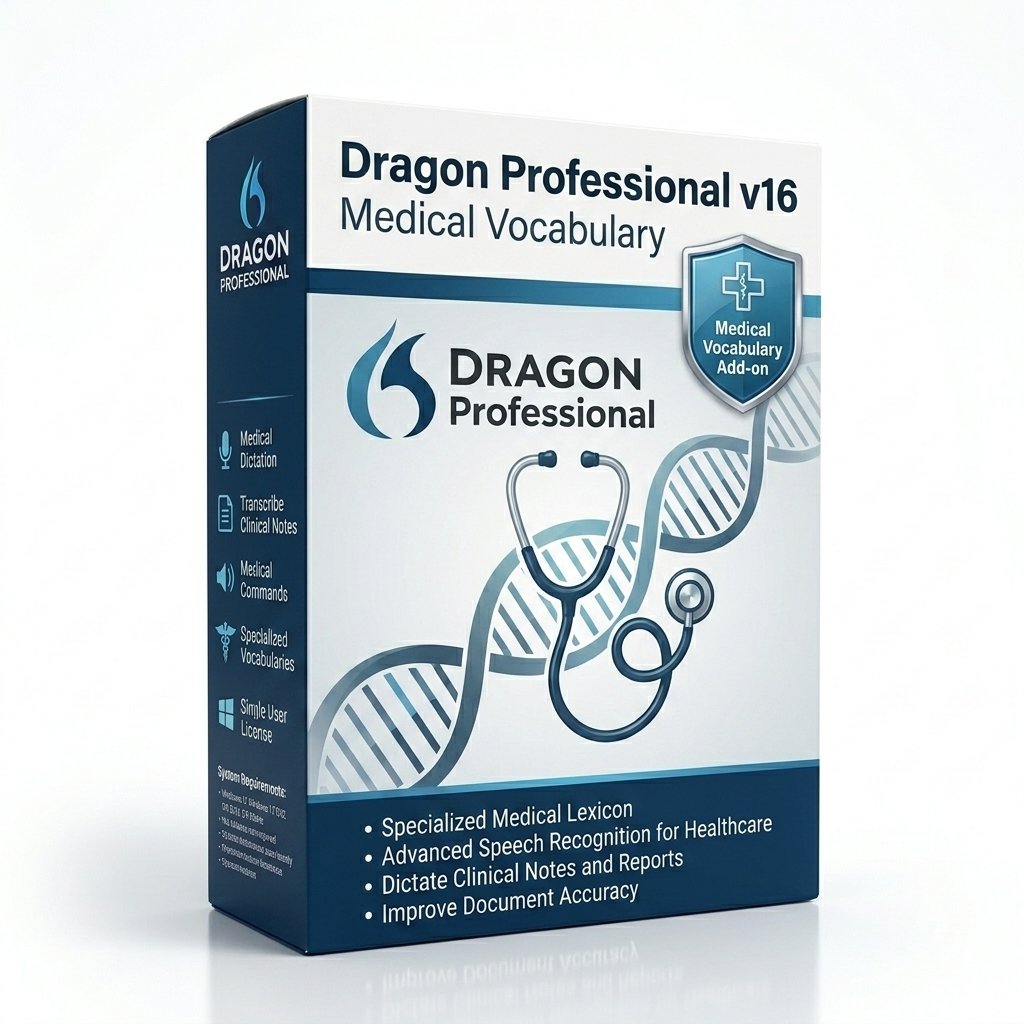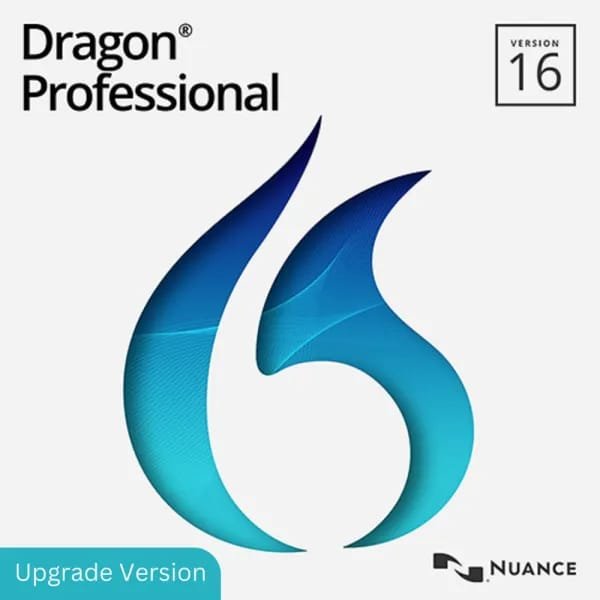
Dragon Professional Individual v16
The ultimate enterprise productivity tool. Leverage next-generation deep learning to dictate documents, automate workflows, and control your PC at the speed of thought—entirely hands-free.
- ✓ Instant Digital Delivery via Email
- ✓ Perpetual License (No Monthly Fees)
- ✓ 30-Day Money Back Guarantee
Key Takeaways
- Speak at 160 WPM instead of typing at 40 WPM.
- Offline capability ensures data privacy.
- Transcribes pre-recorded MP3/WAV audio files.
Accelerating Business Productivity
In the modern corporate environment, professionals are drowning in documentation. Between drafting complex proposals, responding to hundreds of daily emails, and logging CRM updates, the physical act of typing has become a severe bottleneck. Dragon Professional Individual v16 eliminates this inefficiency by allowing you to generate text as quickly as you can articulate your thoughts.
This is not a simple "voice typing" widget built into your operating system. Dragon Professional is a comprehensive acoustic modeling platform. It utilizes Deep Neural Networks (DNN) to analyze the context of your entire sentence. This means it understands the grammatical difference between "I need to buy two tickets" and "Me too," accurately placing the correct homophone based on surrounding context. It accomplishes this locally, without sending your proprietary corporate data to a third-party cloud server.
Custom Vocabularies and Corporate Jargon
Every industry has its own unique language. If you work in aerospace engineering or financial compliance, you use acronyms and terminology that standard dictionaries will flag as errors. Dragon Professional allows you to import massive lists of custom vocabulary words. You can teach the software your specific product names, client names, and industry acronyms. Once added to your voice profile, the software will transcribe them perfectly every time.
Workflow Automation via Voice Commands
The true power of Dragon Professional lies in its macro capabilities. While dictation is faster than typing, automation is faster than dictation. A sales executive can highlight a client's name in an email, say "Create new Salesforce entry," and Dragon can be programmed to execute the exact mouse clicks and keystrokes required to open the CRM, create a new contact, and paste the name.
Similarly, you can create text-and-graphics macros. By simply saying "Insert standard contract alpha," Dragon will instantly populate a five-page boilerplate document, complete with your company logo and formatted headers, ready for immediate editing.
Transcribing Recorded Audio
For consultants, journalists, or executives who travel frequently, sitting at a desk isn't always possible. Dragon Professional v16 includes a robust Auto-Transcribe feature. You can record your thoughts, meeting minutes, or client interviews onto a digital voice recorder or smartphone app while in transit. When you return to your computer, simply select the audio file (MP3, WAV, WMA) and Dragon will process it in the background, outputting a fully transcribed text document.
Dragon Professional v16 System Requirements
To ensure optimal performance and transcription speed, your computer must meet the following hardware specifications. The deep neural network acoustic models require significant processing power to execute in real-time.
| Component | Minimum Requirement | Recommended for Best Performance |
|---|---|---|
| Operating System | Windows 10 (32/64-bit) | Windows 11 natively supported |
| RAM | 4 GB | 8 GB (Higher for multitasking) |
| CPU | 2.2 GHz Intel dual-core or AMD | Fastest available processor yields fastest transcription |
| Hard Disk Space | 8 GB free space | NVMe SSD highly recommended |
| Audio Input | Built-in microphone | Nuance-approved USB headset (e.g., PowerMic) |
Installation Guide
- Secure Checkout: Purchase the license. Your digital download link and unique Serial Number will be delivered instantly via email.
- Run Installer: Double-click the downloaded `.exe` file. Grant administrative permissions to begin the setup wizard.
- Activate: When prompted, enter your Serial Number. The software will connect to the Nuance activation servers to verify your perpetual license.
- Audio Setup: Plug in your preferred microphone. The software will run a brief audio check to calibrate the input volume.
- Begin Dictating: Open any application (Word, Chrome, Outlook), click the microphone icon on the DragonBar, and speak.
Frequently Asked Questions
Does Dragon Professional v16 require an internet connection?
An internet connection is required for the initial installation and license activation. After activation, the core speech recognition engine runs locally on your PC, allowing you to dictate fully offline.
What are the system requirements for Dragon Professional v16?
The minimum system requirements for Dragon Professional v16 include Windows 10 or 11, 4GB of RAM (8GB highly recommended), a 2.2 GHz dual-core processor, 8GB of free hard disk space, and a high-quality noise-canceling microphone.
Can I use Dragon Professional on my Mac?
Nuance has officially discontinued Dragon Professional for Mac. To use v16 on an Apple computer, you must run it within a Windows environment using virtualization software like Parallels Desktop or Boot Camp.
How many computers can I install this on?
A single perpetual license of Dragon Professional Individual permits installation on up to four (4) separate computers, provided all installations are for the exclusive use of the single licensed individual.
Can it transcribe a recorded lecture or interview?
Yes. The Auto-Transcribe feature allows you to upload single-speaker audio files (MP3, WAV, WMA, DSS). The software will process the audio file in the background and generate a text document.
Do I need to train the software by reading to it?
No. Version 16 utilizes a pre-trained deep learning acoustic model. It achieves state-of-the-art accuracy out of the box with zero initial training required, though it will continue to adapt to your voice over time.
Delivery & Refund Information
Upon successful processing of your payment via our Secure Checkout, you will experience Instant Digital Delivery. Our automated system will immediately dispatch your software download link and digital License Information directly to your provided email address.
We strictly adhere to our published Refund Policy, offering a standard money-back guarantee window to ensure the software functions correctly on your specific PC hardware. For deployment assistance or technical inquiries, please utilize our Contact Support Link.